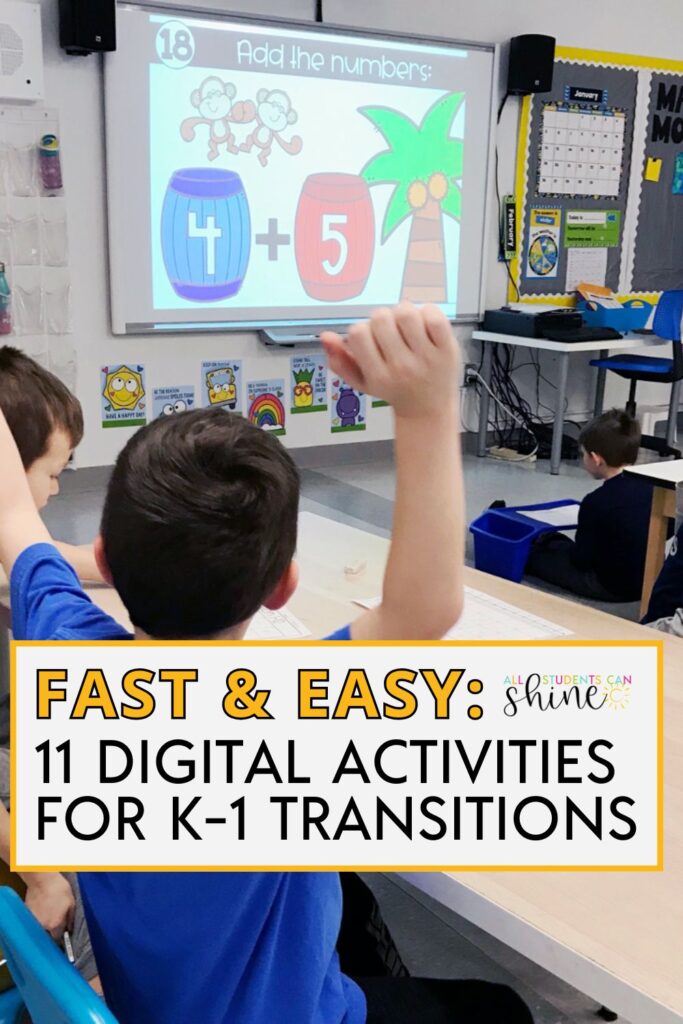
Quick digital activities can make or break your classroom flow—especially during tricky transition times. Whether you’re lining up for lunch, waiting on a specials teacher, or filling a five-minute gap before dismissal, having simple go-to digital resources can keep your students focused, calm, and learning.
To save you the scroll, I rounded up 11 ready-to-use digital activities for K-1 that are perfect for transitions. These are teacher-tested resources that you can just click, display, and go—no extra prep needed.
Let’s make those in-between moments count!
| Flashcards | Chit Chat Slides | Directed Drawings |
| Memory | This or That | Google Slides Brain Breaks |
| Just the Facts | Toothy Time | Digital Behavior Tracking |
| Songs | Trivia Time |
When should you use transition activities?
Any time you have a few minutes before your students are ready to move on to the next part of their day.
Use these activities when:
- You’re waiting for the “specials” teacher to show up.
- You’re waiting for the lunch bell to ring.
- Kids are lined up for buses.
- You have breaks in your day but you don’t have time to dive into curriculum.
- You need to manage movement and engagement for your actively learning students.
- Your days don’t go as planned. Use these activities to keep kids on track while you work through unexpected downtime or technical difficulties.
- You have a substitute teacher and want to give them a leg up on transitions.
Transition activities help:
- Keep kids engaged and well behaved even when we have just a couple of “waiting” minutes.
- Impress other teachers/staff with how behaved your class is during those transition times—perfect for those pop-in admin visits!
- Reduce anxiety for kids who struggle with waiting in line, waiting for the next teacher, etc. when expectations aren’t clear.
- Clear minds and build focus with ideas and concepts that require a little practice.
- Build in more kinesthetic, visual, oral learning activities into your day so everybody has access to their best learning styles throughout the day.
- Get controlled movement and talking time for little bodies full of energy.
Digital Transitions to Try
1 – Flashcards
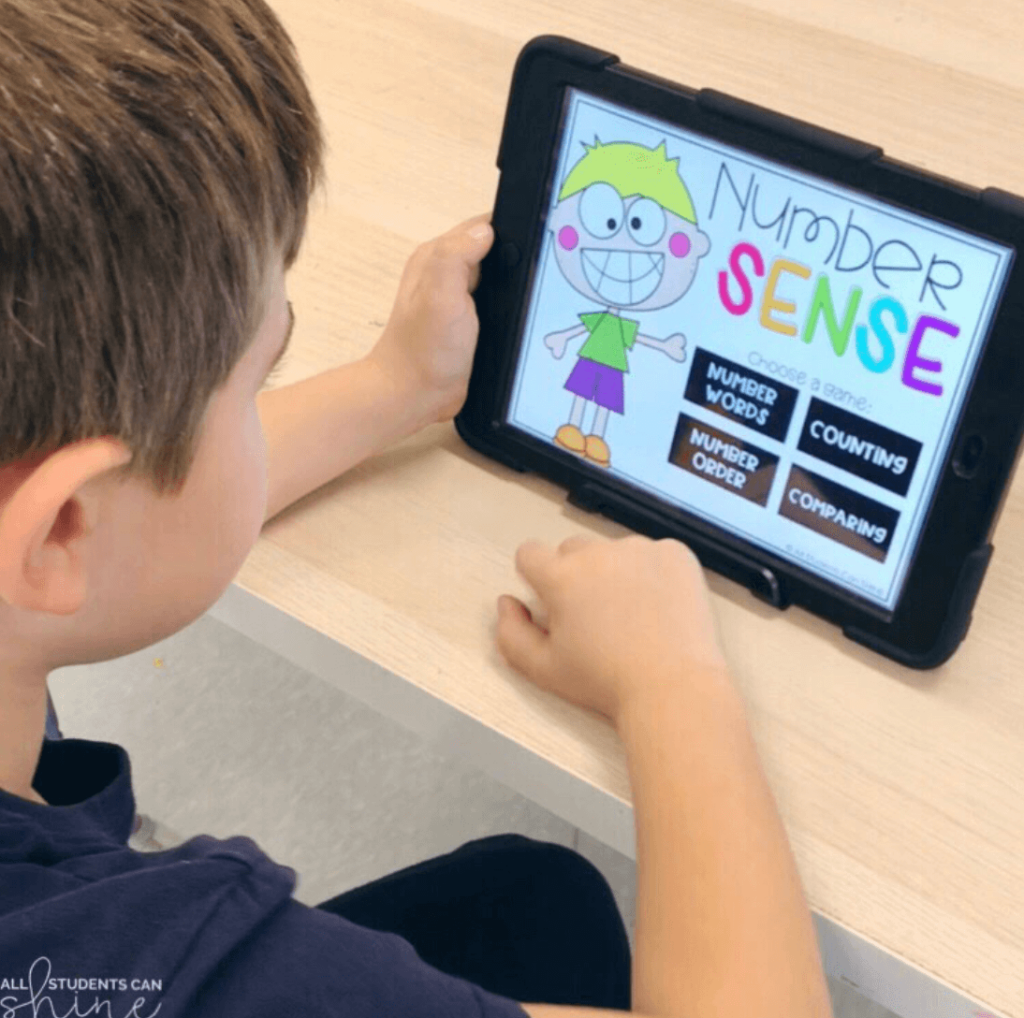
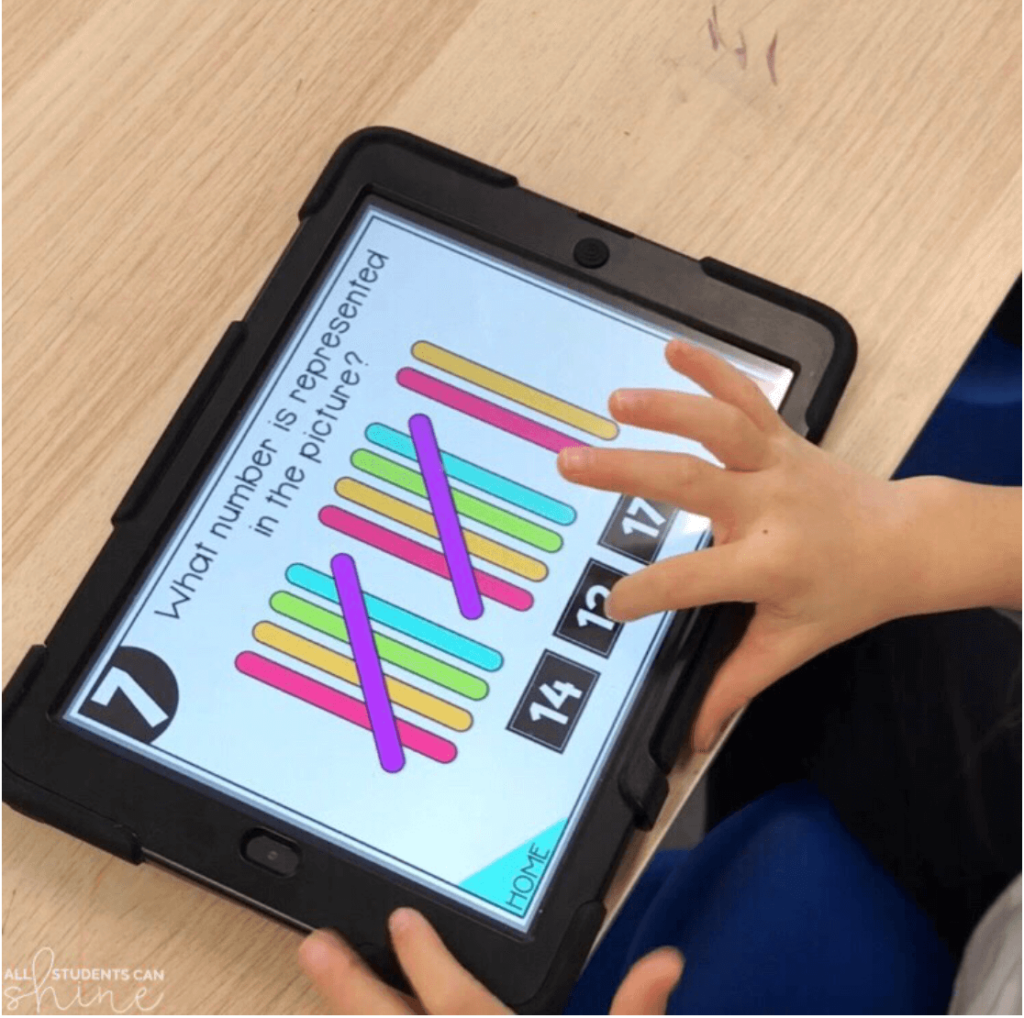
These interactive slides are great for quick review and group engagement. Each question shows up on your screen with a 20-second timer bar, so students know how long they have to think, answer, and get ready for what’s next. Whether you’re working on phonics skills or quick math facts, these digital flashcards keep things moving—and keep little minds focused.

These are also a win with subs and perfect to pair with tools like Plickers for extra fun!

2 – Chit Chat


NEW Resource Alert! Start engaging with thoughtful and fun conversations in the classroom with chit chat prompts. Get your students talking and thinking critically while building classroom rapport. Use these as a jumping-off point to have kids ask their own questions and help establish norms within the class.
3 – Directed Drawing Videos
If your class loves to draw and needs a calm way to reset, this one’s a hit. Kids follow simple step-by-step directions to draw an owl—while sneaking in science and listening skills. Just pop it up on the screen, and your class is instantly engaged (and quiet!). No extra supplies or prep needed. Bonus idea: Do one step at a time, during each transition throughout the day. Students will be pumped to see how their drawings turn out at the end of the day. Perfect for those few minutes before lunch or when your kids come back in from recess with big energy.

4 – Memory Game
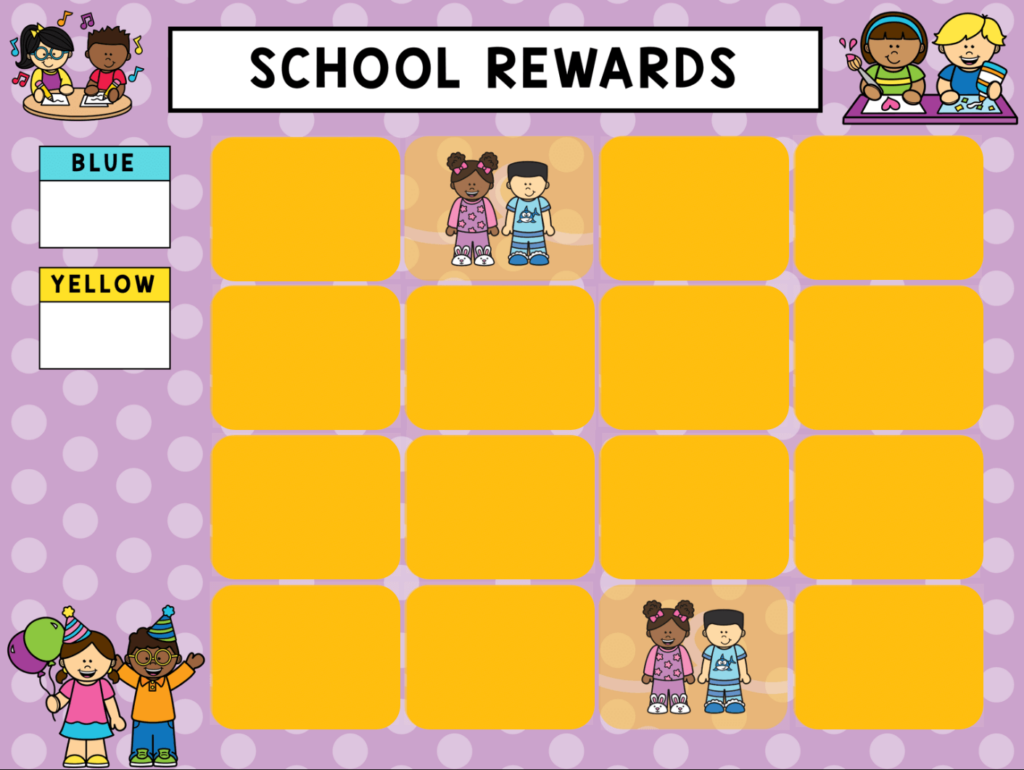
I have my students earn their memory game turns during work times. If the work time went well, 2-3 students will “flip” two cards looking for a match. The whole class is enraptured with each turn, hoping a pair is found. This is a great way to keep students on task during centers.
5 – This or That
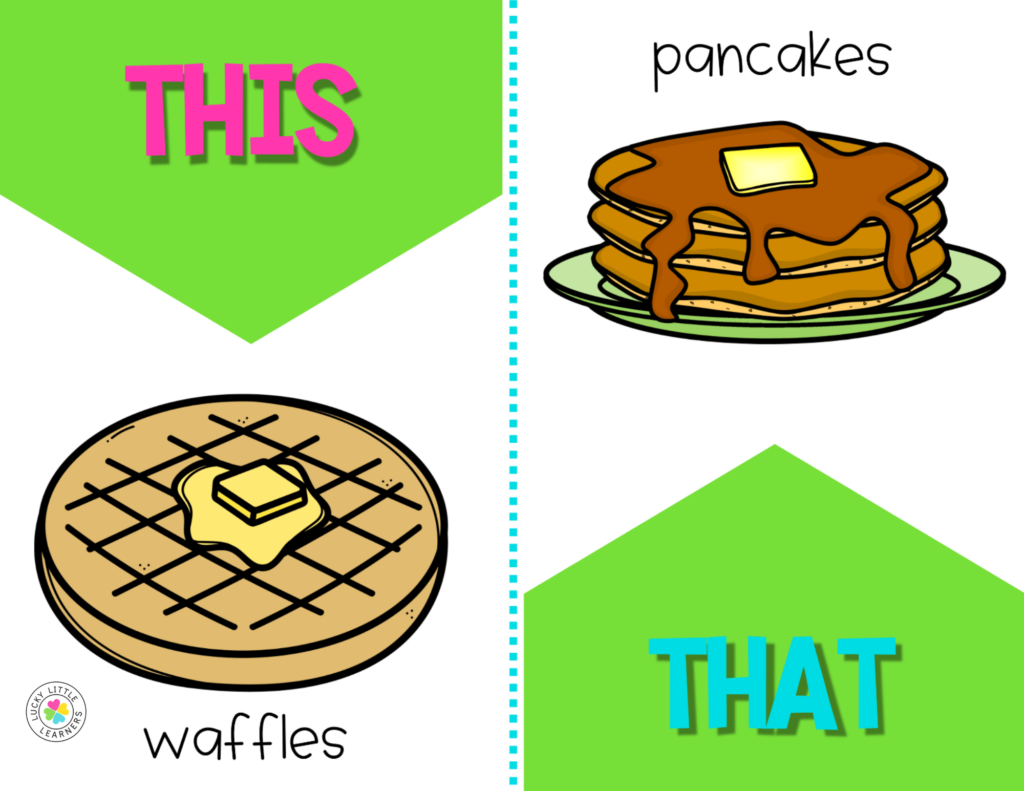
This activity is a great way to transition students in a K-1 classroom. Projecting it on the screen, you can have students vote or move around to make quick decisions, helping them refocus after breaks or before new activities. It’s also a fun icebreaker for the start of the year!
6 – Google Slides Brain Breaks
If you use a Google Slides template each day, simply pop in some dance breaks, breathing exercises, or whatever type of reset activity benefits your class. I like to vary the type of brain breaks in the Google Slides presentation. The students love finding out what brain break they will do between stations, or before/after a whole group lesson.

7 – Just the Facts
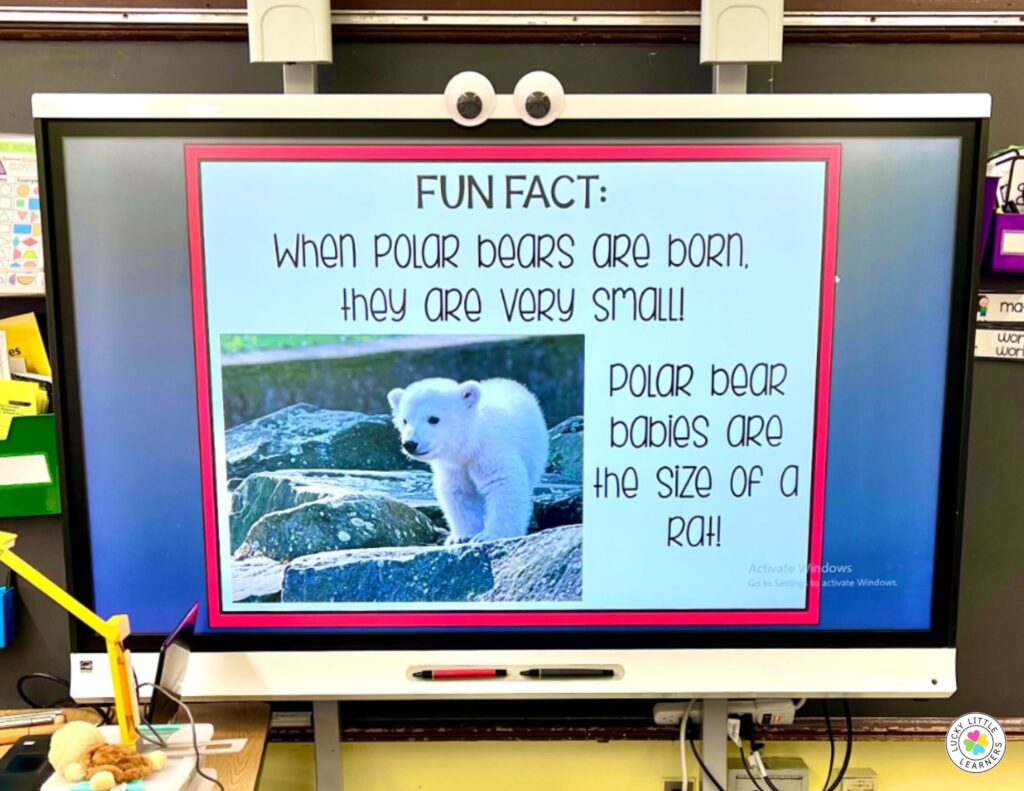
Keep your students engaged and on task by promising to share one fun animal fact between each station/lesson. They look forward to these facts and a quick reminder, “I hope we can work quietly so we get to learn more about polar bears” is all it takes for the work to get done.
8 – Toothy Time
Get students up & out of their seats by playing digital Toothy during transitions. Decide ahead of time how many students will take a turn during each transition time. Bonus – there are so many skills covered in digital toothy

Never heard of Toothy? Find out more about this engaging game here.
9 – Digital Behavior Tracking

10 – Songs
Who doesn’t love a little music now and then? Having your students stand up, stretch and sing (and maybe move a little to the beat) can be the perfect way to get some wiggles out. Put on a favorite class song from YouTube, or play an academic-focused song, like the ones we have in our collection.

11 – Trivia Time
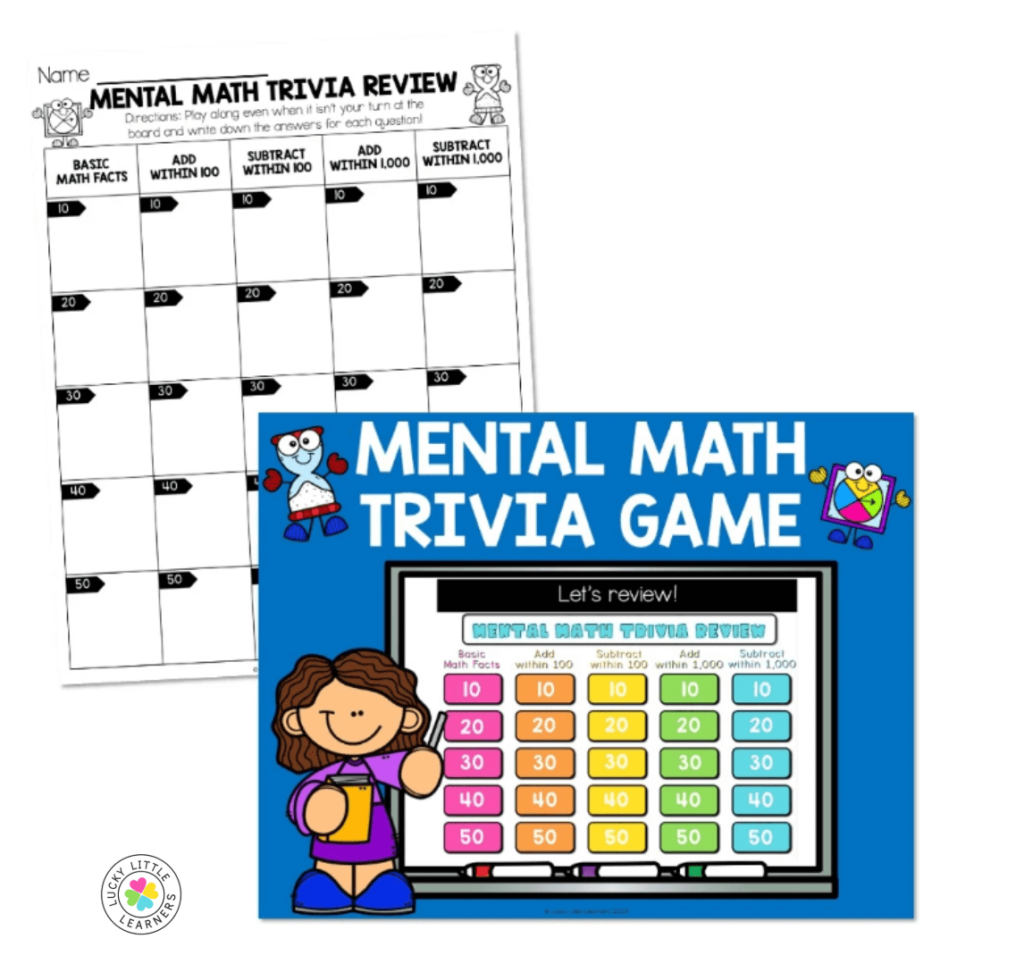
When the lessons/stations are done, take a little trivia break. Asking just a few questions at at time is enough to realign student energy and spark interest in all sorts of topics. Find trivia questions in fact books, online (like Blooket or Kahoot), or use a ready-made trivia game template. Choose subjects you want students to learn more about, or just topics they are interested in.
Just $1!
Even a few minutes can make a big difference. These quick digital activities help keep your class calm, focused, and learning—especially during tricky transitions. Want them all in one place? Grab every resource in this post for just $1!